Platform — Agents
AI teammates, not black boxes.
Configure named agents with exactly the knowledge, skills and tools they're allowed to use. Sensitive actions pause for human approval. Every run is traceable.
Overview
A Blinkin agent isn't a prompt you paste and hope. It's a named, configured teammate with an identity, instructions, a defined set of skills and tools, scoped knowledge access, and a fixed output shape. Give it exactly the permissions the job needs — no more — and every run stays on the record.
Feature
Configured, not prompted
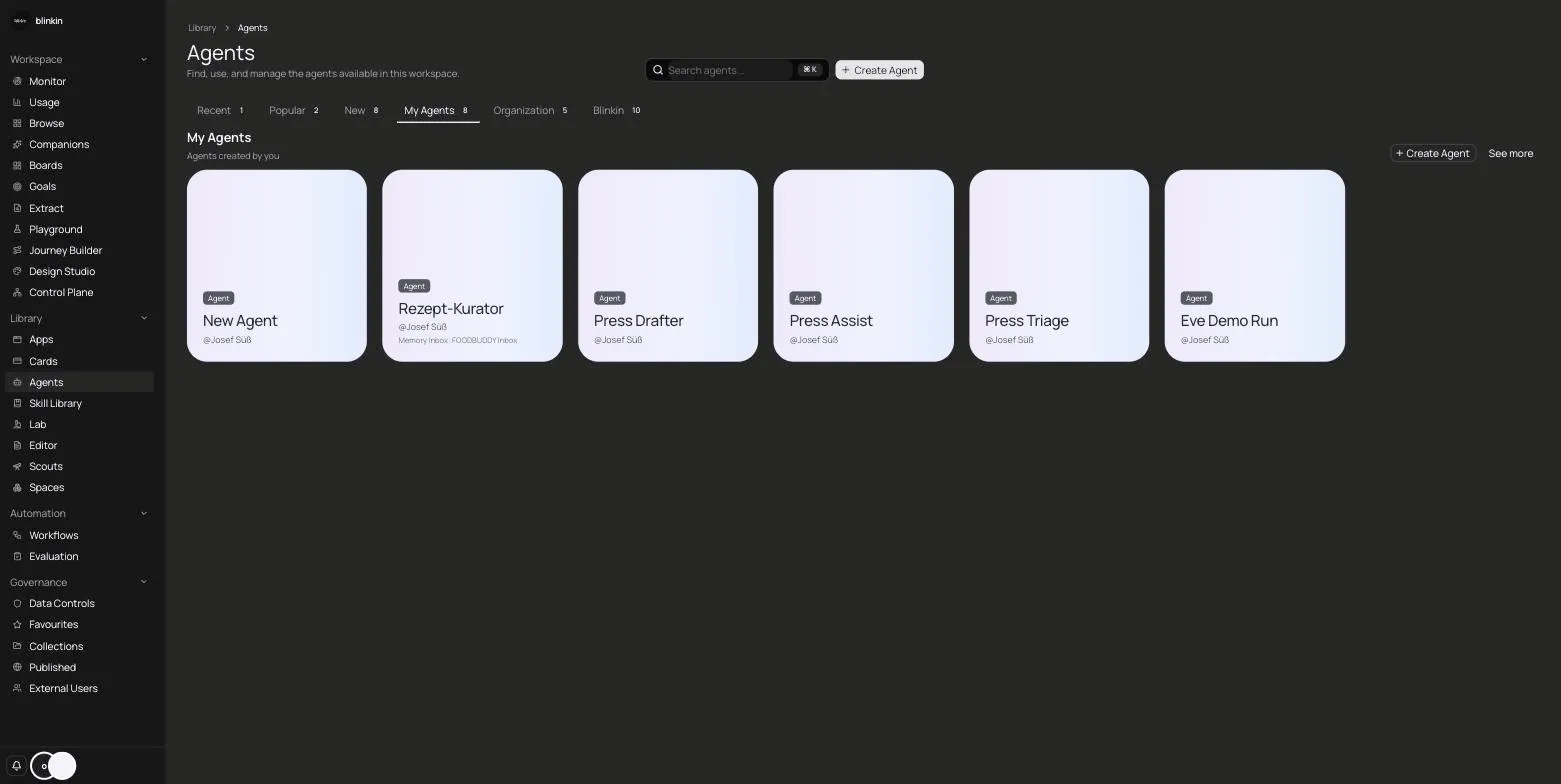
One editor sets an agent's identity, instructions, allowed skills, allowed tools, knowledge access and output shape. You define what it is and what it may do, instead of re-explaining it in every chat.
Feature
A shared skill library
Skills live in an org-wide library, so a capability you build once — a way to draft, extract or check something — can be granted to any agent that should have it.
Feature
Tools with permission slips
Web search, URL loading, deep research, image generation with a brand reference, text-to-speech voices, file reading, email, PDF form-filling, MCP tools and custom tools — admins decide which each agent may touch. Sensitive runs pause for a human yes before they execute.
Feature
Works where your team works
Agents show up in Space chat, tables, the document editor, boards and apps, embeddable website widgets, public share links, and Microsoft Teams — the surfaces your team already uses.

Feature
Mention several at once
Bring more than one agent into a single message when a task needs different specialists, and let them contribute together instead of switching tools between them.
Feature
Talk it through
A voice companion runs on the same governed rails as chat: the same knowledge scopes, the same approval gates, the same record. Speaking to your AI teammate doesn't loosen a single rule.
Feature
Any model, one gateway
Claude, GPT, Gemini and more sit behind one governed gateway with retry, fallback and policy. Switch the model an agent uses without rebuilding the agent.
Feature
Memory through review
An agent proposes what it should remember; nothing is stored as a fact until a person approves it. Its memory grows through the same review gate as everything else.
How it works
How it works
Configure the agent
Set identity, instructions, knowledge scope and output shape.
Grant skills and tools
Add from the skill library and mark sensitive tools as approval-gated.
Place it where work happens
Add it to a Space, document, board, widget or Teams.
Run with oversight
Sensitive steps pause for approval; every run and memory proposal is traceable.
In practice
In practice
A support lead configures an agent that reads only the approved product Space, answers in a fixed format, and needs a human yes before it ever sends an email.
A research team mentions two agents in one message — one to gather sources, one to draft — and reviews the combined result before anything is saved.
A brand manager grants an agent image generation with a brand reference so campaign visuals stay on-brand, while risky publishing steps still wait for approval.
Questions
FAQ
Can an agent act without a human in the loop?
Only for the tools you allow it to run freely. Sensitive tools are approval-gated — the run pauses until a person approves it.
What knowledge can an agent see?
Exactly what you scope it to, and only the approved Knowledge side of a Space. It never reads pending, unreviewed material.
Can we use our own tools?
Yes. Alongside the built-in tools, agents can use custom tools and MCP tools you connect, each subject to the same permission model.
Does switching models break our agents?
No. The gateway abstracts the model vendor, so you can move an agent from one model to another without reconfiguring it.
How do agents remember things over time?
They propose memories, which a person approves before they're stored as fact — the same review gate the rest of the platform uses.
Governance
Governed by design
EU hosting
Per-organization data isolation
Full audit trail
Review-gated knowledge
Works with any AI model
Next step